



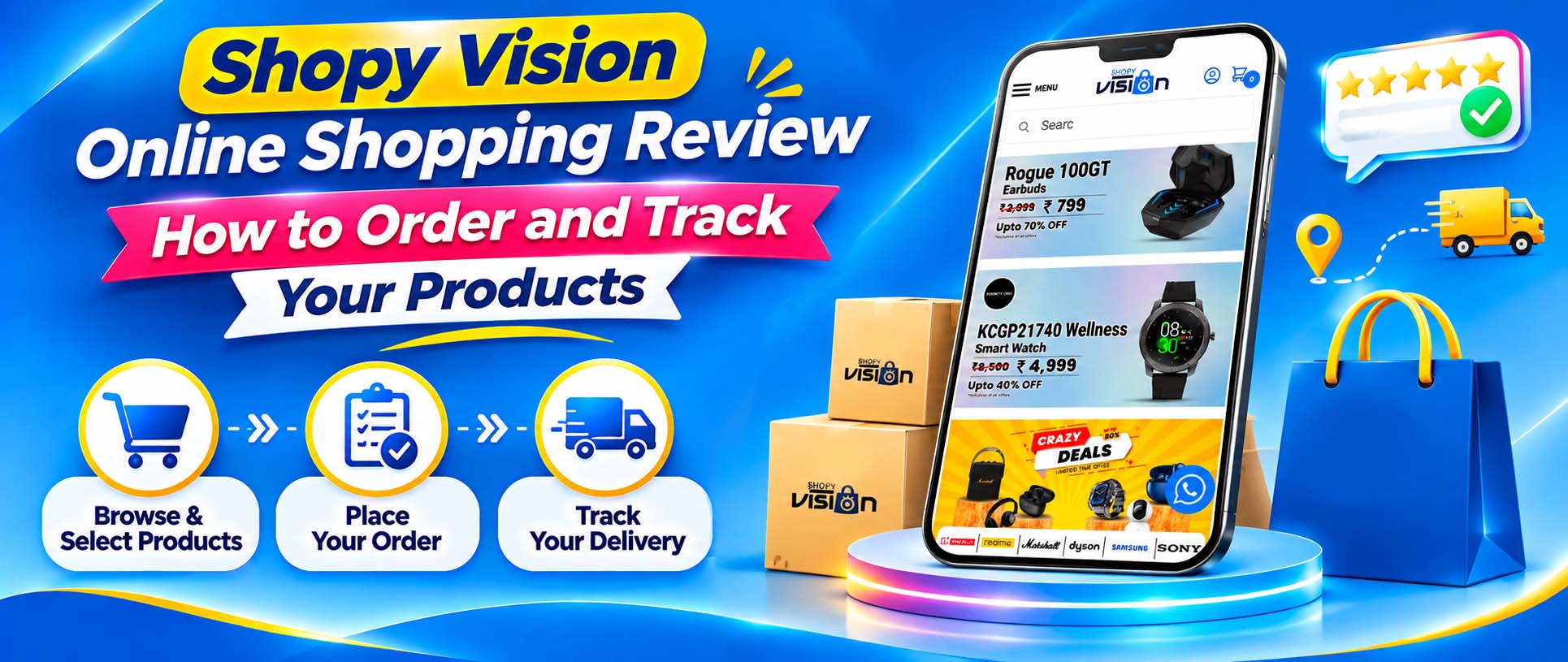
Online shopping has made it easier to purchase electronics and gadgets without visiting multiple stores. From wireless earbuds and smartwatches to speakers, chargers, routers and home appliances, customers can explore a wide range of products from their homes. Shopy Vision is an online electronics shopping platform where customers can browse different categories, compare products and place orders online.
If you are planning to shop from Shopy Vision for the first time, here is a simple guide explaining how to order products and track your delivery.
What Can You Buy from Shopy Vision?
Shopy Vision offers products across several electronics and lifestyle categories. Customers can explore wireless earbuds, Bluetooth speakers, headphones, smartwatches, mobile accessories, power banks, computer accessories, routers, cameras and selected home appliances.
The website features products from popular brands, making it easier to explore different options according to your requirements and budget. Before purchasing, always check the product description, specifications, price, warranty information and availability.
How to Order Products from Shopy Vision
Placing an order on Shopy Vision is simple. Follow these steps:
1. Visit the Official Website
Open www.shopyvision.com using your mobile phone, tablet or computer.
2. Explore Product Categories
Browse the available categories or use the search option to find the product you want to purchase.
3. Select Your Product
Open the product page and carefully review its features, specifications, price, images and other important details.
4. Add to Cart
Once you have selected your product, click the Add to Cart or Buy Now option to continue.
5. Enter Your Delivery Details
Provide your name, mobile number, email address and complete shipping address. Make sure your PIN code and contact details are correct.
6. Choose a Payment Method
Select an available payment option at checkout. Shopy Vision lists options such as UPI, credit cards, debit cards, net banking, wallets and EMI, subject to availability.
7. Confirm Your Order
Review your order details and complete the checkout process. After successful order confirmation, you should receive an order confirmation email containing your order ID.
How to Track Your Shopy Vision Order
After placing an order, customers can check its progress online. Follow these steps:
Visit the Shopy Vision Track Order page.
Enter your Order ID.
Provide the billing email address used during checkout, if requested.
Click the Track button to view your order information.
You can also check your account’s Order section for purchase details. Once your product is dispatched, shipment information and tracking details are shared through the available notification channels. You may also use the AWB number to check shipment status where supported.
Delivery, Returns and Customer Support
Delivery time depends on your location, courier partner and order processing. Check the estimated delivery date shown for your order and keep your phone available for delivery updates.
If your product arrives damaged, defective or incorrect, contact customer support within 48 hours of delivery. According to the published customer help policy, eligible unused products can be requested for return within seven days, subject to the applicable conditions.
For assistance, you can contact Shopy Vision at contact@shopyvision.com or call +91-8031708114 during the published support hours.
Final Verdict
Shopy Vision provides a convenient way to explore and purchase electronics online. Its product categories, multiple payment options and online order-tracking facility make the shopping process easier to manage. Whether you are looking for everyday mobile accessories or useful electronic gadgets, browse the website, compare product details and review the policies before placing your order.
Visit Shopy Vision today and explore electronics and gadgets online!